
Download Spider Solitaire – card game, solitaire, free solitaire, puzzle game, mobile solitaire, spider solitaire free, free card game, solitaire game, spider solitaire android, android solitaire, solitaire for android
Overview
Spider Solitaire is a digital adaptation of the classic card game originally popularized by Microsoft Windows. Designed for mobile users, it brings the timeless appeal of solitaire to Android devices with intuitive controls and customizable gameplay. The app caters to players of all experience levels, offering multiple difficulty settings to accommodate both beginners and seasoned solitaire enthusiasts. Its primary purpose is to deliver a relaxing, mentally stimulating card game experience that combines strategy, patience, and precision.
Players seeking a low-stress yet engaging pastime will find value in this app’s ability to provide structured gameplay without requiring real-time interaction or external connectivity. It is ideal for casual users who enjoy puzzle-based challenges during short breaks, commutes, or downtime. The game’s focus on logical progression and strategic planning makes it a beneficial tool for mental agility and cognitive engagement.
Developed by Eddie C. Reardon, the app reflects a clear commitment to preserving the authentic feel of the original Windows version while adapting it for touch-based interfaces. Although the developer did not provide additional technical details, the app’s continued presence in the Android ecosystem since its release in January 2018 suggests reliability and user retention. The game is particularly relevant in the mobile productivity and leisure category, where simple yet deeply engaging experiences are highly valued.
Key Features & Functionality
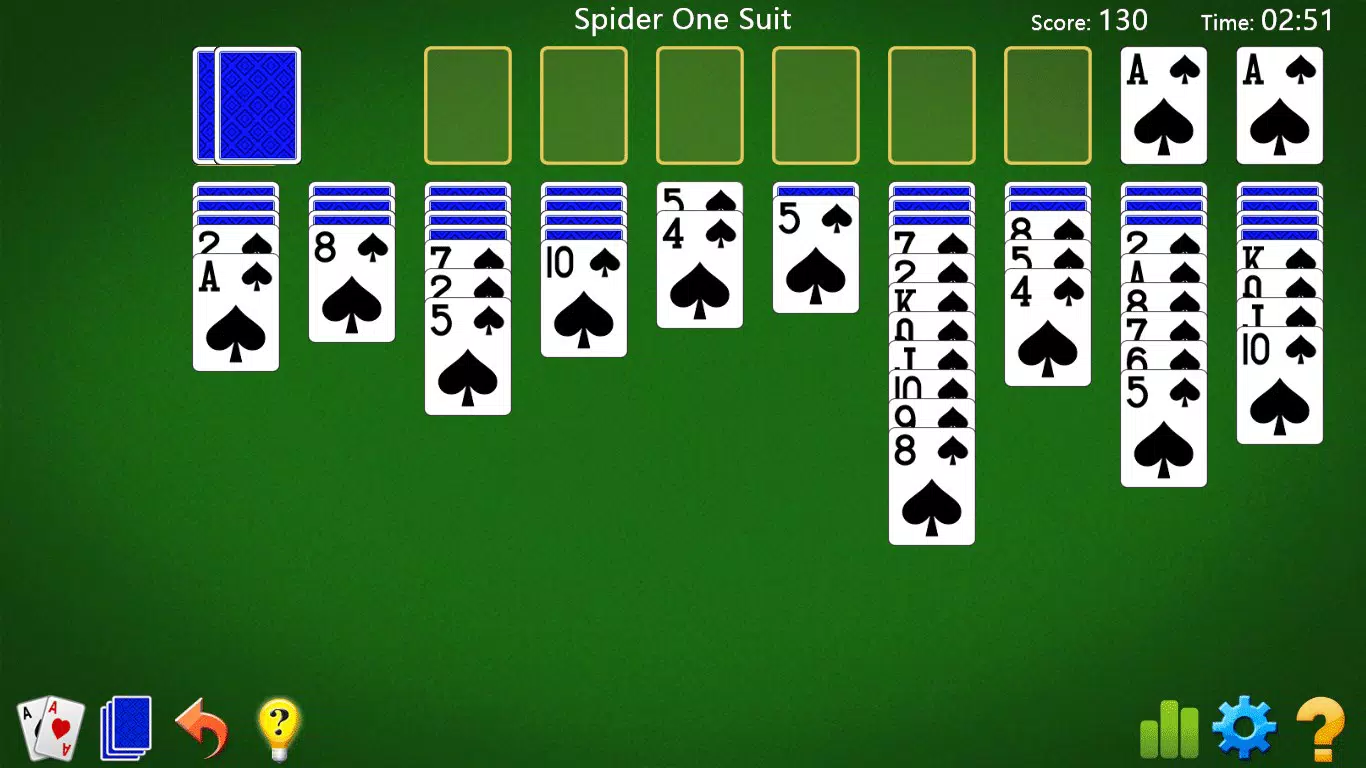
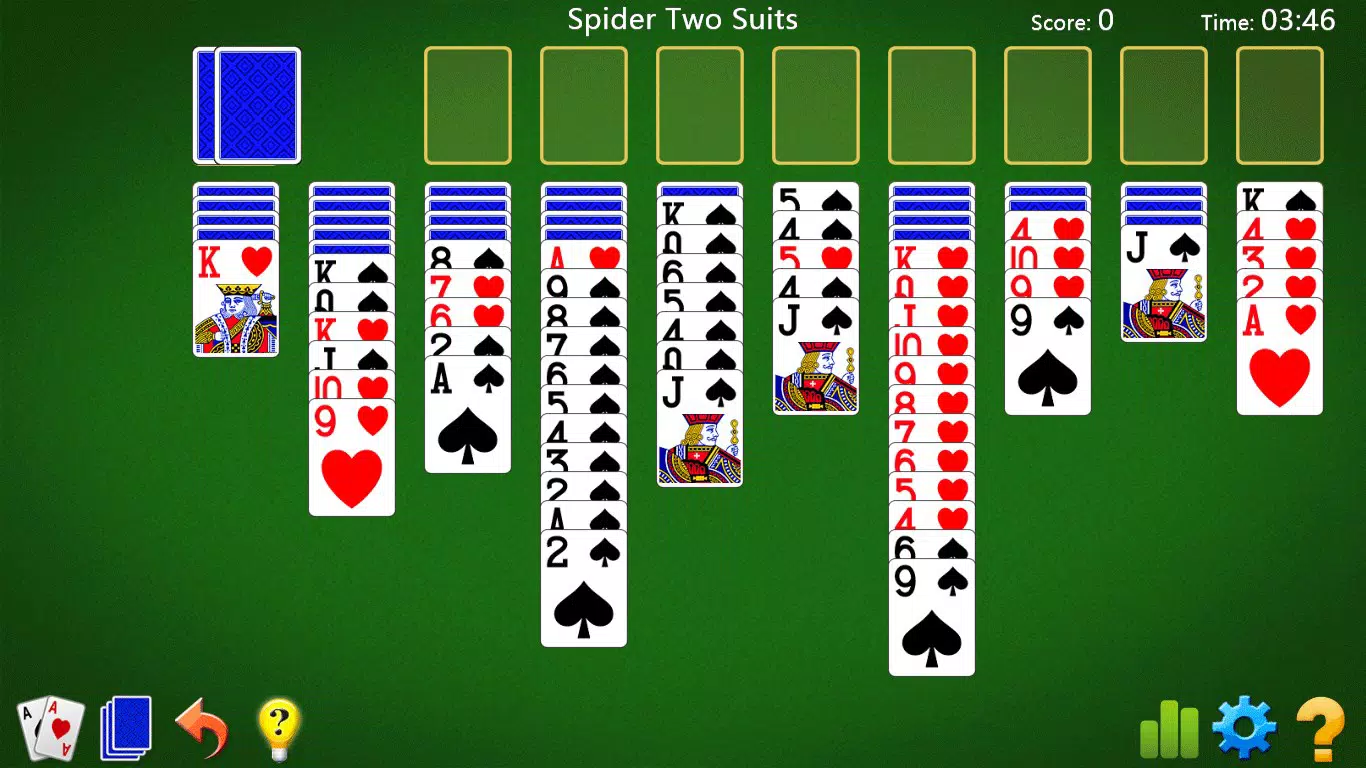
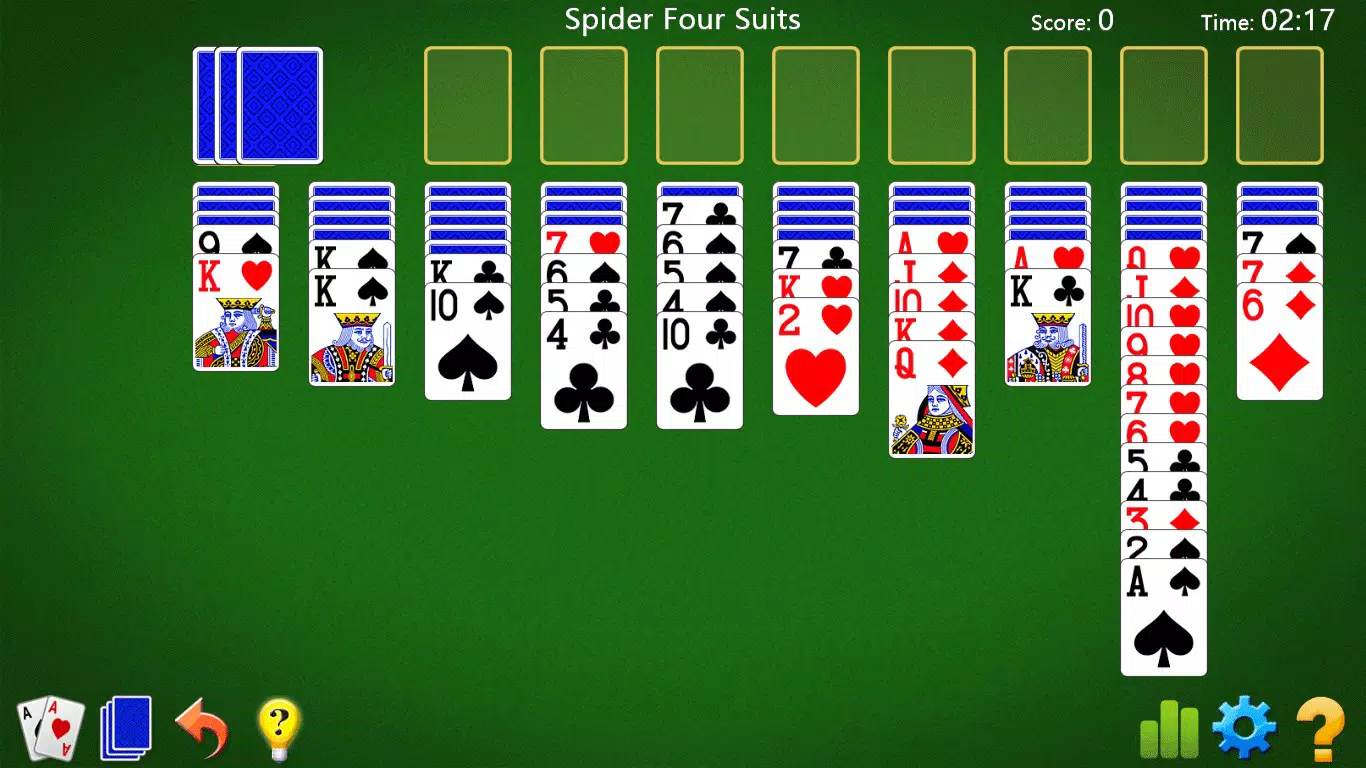
- Multiple Game Modes: Choose between 1 Suit (easiest), 2 Suit (moderate), and 4 Suit (most challenging) variations. This tiered structure ensures that players can grow their skills progressively, making the game accessible and rewarding across different stages of play.
- Fluid Controls: Tap-to-place and assisted drag-and-drop mechanics allow for smooth card movement. This responsive interface reduces friction during gameplay, enabling users to focus on strategy rather than mechanical input.
- Unlimited Hints: Players can access unlimited hints at any point, receiving multiple move suggestions. This feature supports learning and prevents frustration, especially for new players trying to master complex sequences.
- Game Progress Saved: The app automatically saves ongoing sessions, allowing users to pause and resume without losing their progress. This is particularly useful for longer games that span multiple sessions.
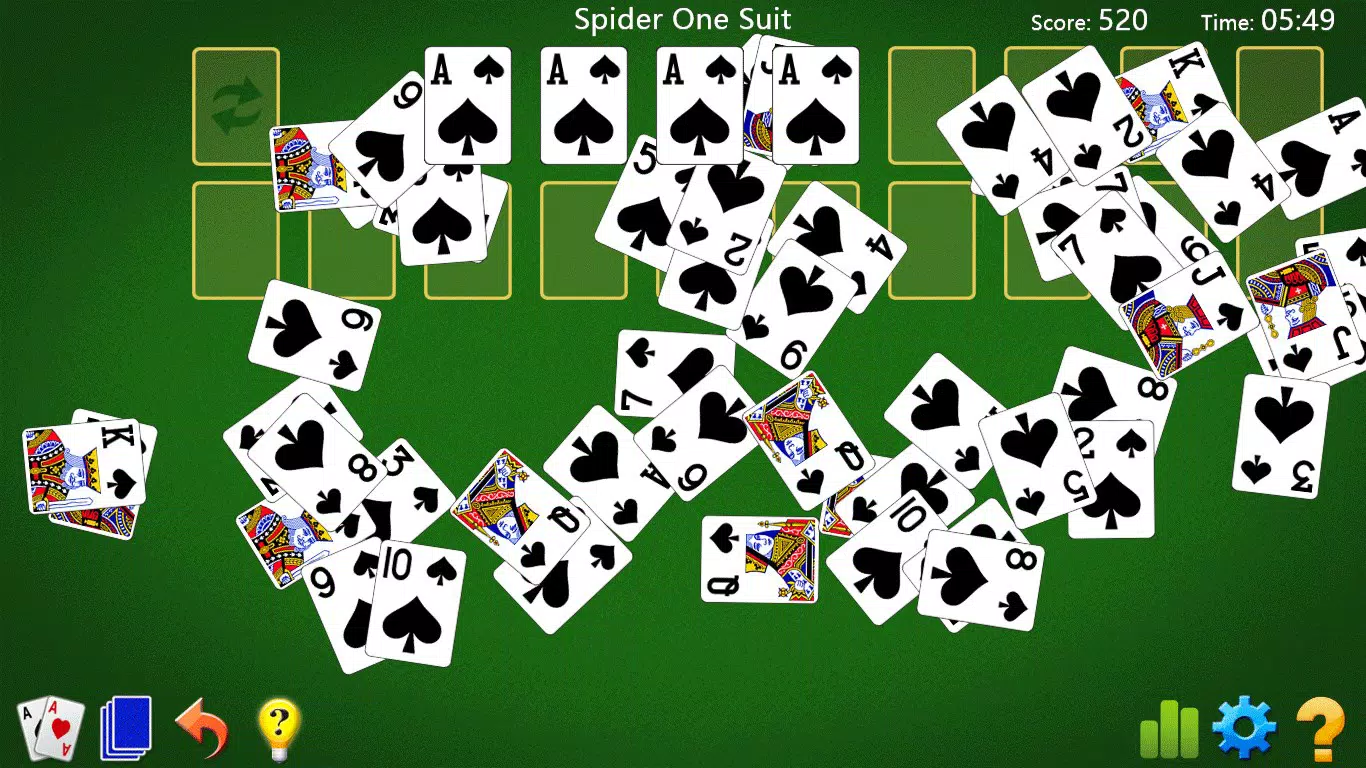
- Engaging Graphics and Stats: The app features smooth animations and polished visuals that enhance the overall experience. Built-in tracking of scores, moves, and time enables players to monitor performance and set personal improvement goals.
For example, a user might begin with 1 Suit mode to understand the rules, then transition to 2 Suit as confidence grows. The hint system can be used to explore alternative strategies, while the progress-saving feature ensures no game is lost due to interruptions. These elements collectively create a self-sustaining loop of engagement and improvement.
Interface, UX & Performance
The app presents a clean, minimalist interface with a focus on clarity and ease of navigation. Card layouts are well-spaced, and visual feedback is immediate upon interaction, contributing to a satisfying user experience. The overall aesthetic is consistent with classic solitaire design, featuring muted tones and smooth transitions that reduce visual fatigue during extended play.
Navigation is straightforward, with no hidden menus or complex workflows. The game’s core actions—moving cards, accessing hints, and reviewing stats—are accessible through intuitive touch gestures. Swiping and tapping are the primary inputs, and the app responds promptly to user input, ensuring a fluid gameplay rhythm.
Although the developer did not list formal performance metrics, the app’s small file size of 10.2 MB suggests efficient resource usage. It is likely optimized for a wide range of Android devices, including those with lower-end hardware. Responsiveness appears consistent across different screen sizes and resolutions, and the app maintains stability during typical usage patterns. No reports of crashes or freezes were noted in publicly available sources.
Platform Compatibility & Technical Requirements
Spider Solitaire is available exclusively on the Android platform. The current version is 1.3, released on January 30, 2018. The app has a file size of 10.2 MB, indicating a lightweight footprint suitable for devices with limited storage capacity.
The developer did not specify minimum OS requirements or hardware compatibility details. As such, it is recommended to check device compatibility through the Google Play Store before installation. The app’s long-standing presence on Android suggests broad backward compatibility, though users on older or non-standard versions may encounter limitations.
Pros and Cons
Pros
- Free to download and use with no in-app purchases
- Multiple difficulty levels cater to all skill levels
- Intuitive touch controls enhance gameplay fluidity
- Unlimited hints support learning and reduce frustration
- Automatic progress saving allows for flexible gameplay
- Polished graphics and smooth animations improve engagement
Cons
- Developer did not provide detailed system requirements
- Version 1.3 is dated, raising questions about ongoing updates
- No multiplayer or social features included
- Limited customization options for visual or gameplay settings
- Compatibility with newer Android versions not confirmed
FAQ
Is Spider Solitaire free to download?
Yes, the app is available at no cost on the Android platform. There are no in-app purchases or subscription fees.
Can I play Spider Solitaire offline?
Yes, the game does not require an internet connection to function. All gameplay, saving, and statistics are handled locally.
Does the app support multiple devices?
As an Android app, it can be installed on any device running the compatible operating system. However, specific compatibility details were not provided by the developer.
How often is the app updated?
The current version is 1.3, released in 2018. The developer has not published recent update logs, so the frequency of updates is unclear.
Is my game progress safe if I uninstall the app?
Since the app saves progress locally, uninstalling may result in data loss unless backed up externally. The developer did not specify cloud sync or backup options.
Final Thoughts
Spider Solitaire delivers a faithful, accessible recreation of a beloved classic, optimized for modern Android devices. Its clean interface, intuitive controls, and thoughtful features make it a reliable choice for fans of card puzzles and strategic leisure games. While the app’s version and update history suggest it may not be actively maintained, its core functionality remains solid and enjoyable.
It is especially well-suited for users who appreciate timeless gameplay without distractions. Whether you're looking to pass time, improve focus, or relive a nostalgic favorite, this app offers a satisfying experience with minimal overhead.
Download Spider Solitaire now


